Free Image to Text Converter Online – No Upload
Image to Text Converter Online Free: Extract Text Without Uploading
Need to extract text from an image without sending your photo to a stranger's server? This free image to text converter online reads printed text in JPG, PNG and WebP photos with the open-source Tesseract OCR engine — and the whole recognition runs inside your browser tab. Nothing is uploaded, there is no sign-up and no download: pick an image, choose the text's language, and copy editable text out in seconds.
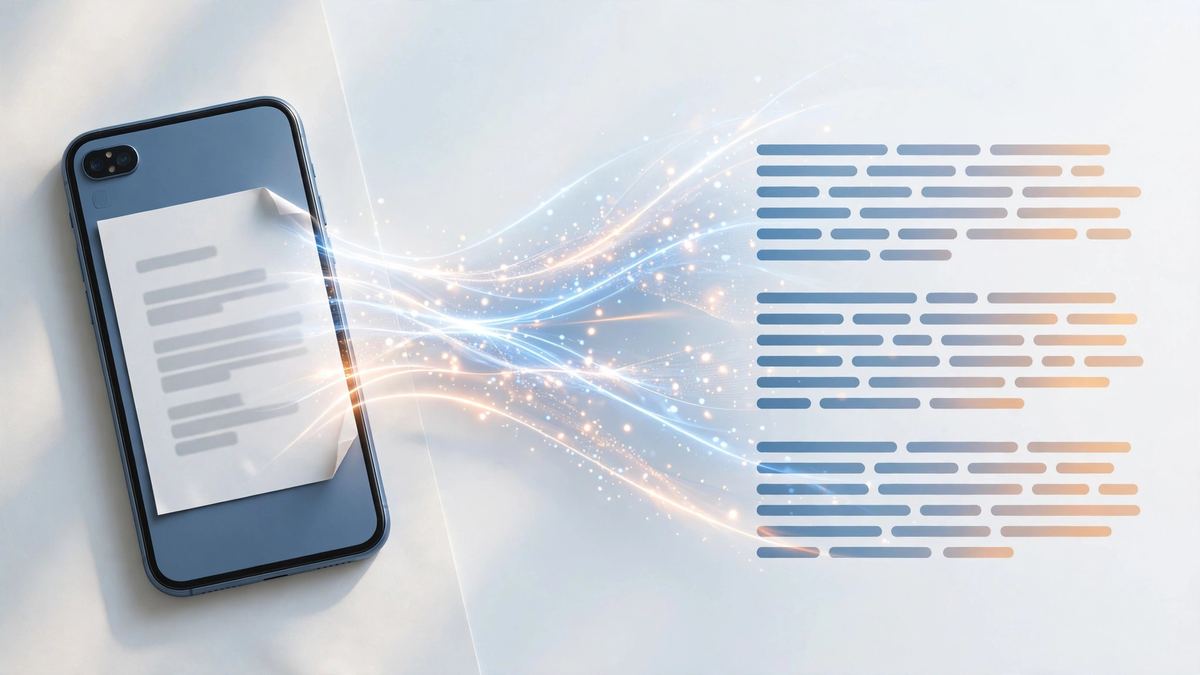
A Free OCR Tool That Works in Your Browser — No Upload, No Sign-Up
Most free OCR tools online ask you to upload your image first — to a server you don't control — and several then gate the real work: five files an hour before a sign-up wall, or an account before you can see the full text. This image to text converter without upload works the other way: it is a free OCR tool that works in your browser, running the Tesseract engine as WebAssembly right in your tab. Your picture is read locally, recognised locally, and the text is produced locally — no server ever sees it, which you can verify yourself in your browser's network tab. Because there is no per-image server cost, there is also no hourly cap and no image to text converter no signup trap where the free tier runs out: open the page, convert, close the tab. The one honest technicality: on first use the engine and the language data download from a CDN and are cached afterwards — that is data files, never your image. For receipts, invoices, ID scans or anything private, an OCR that never uploads is the only design that makes sense.
Screenshot to Text Converter: Copy Text from Screenshots Online
A huge share of OCR searches come from one simple need: text trapped inside a screenshot that you want to copy. Students grabbing lecture slides, developers copying an error message, shoppers lifting a price from an app — a good screenshot to text converter turns that dead image into selectable words. This page handles it well: clean screenshots with sharp, high-contrast text read the most reliably, and you can paste straight from your clipboard without saving a file first. To copy text from a screenshot online, just drop or paste the capture, make sure the text language matches what's on screen, and press Extract. The result is editable, so you can fix the occasional misread character and copy exactly what you need — extract text from a screenshot free here with no sign-up and no account standing between you and the text.
JPG to Text and PNG to Text Converters, Free
Whether it is a JPG photo of a document, a PNG screenshot, or a WebP image saved from the web, this free image text extractor online turns it into text you can edit. A jpg to text converter online free pass works best on well-lit, straight-on photos; a png to text converter online pass shines on screenshots and graphics, because PNG keeps the sharp edges that OCR engines love. The picture to text converter free workflow also covers the classic convert photo to text online free job — snap a page, drop the photo, get text — and the photo to text converter free flow for anything you want to quote or reuse. One format caveat to know: browsers cannot decode HEIC photos from iPhones, so export those as JPG first. PDFs are not images either — export the page as a JPG or PNG, then convert it. One image is processed at a time, and every conversion is free with no sign-up.
How to Extract Text from an Image for Free in Three Steps
Learning how to extract text from an image for free takes less than a minute here. First, drop a JPG, PNG or WebP into the tool, click to browse, or paste it from your clipboard. Second, choose the language of the text in the image — this matters more than people think: pick the language that matches the script in the picture, because the engine reads what it is trained on. Third, press Extract Text and watch the editable result appear; then proofread it before trusting it anywhere important. To extract text from image online with the cleanest read, photograph documents in good light, straight on, without shadows or tilt, and keep the text reasonably large in the frame. Blurry, tilted or tiny text is where even the best free OCR online struggles — a two-second re-shoot beats ten minutes of fixing errors.
Honest Limits: What This OCR Gets Wrong (and How to Fix It)
No honest ocr online free page should promise perfect results, and this one won't. Tesseract is an open-source reader, not magic: it occasionally drops spaces between words, so proofreading is mandatory; cursive handwriting is a frequent failure, so treat the handwriting to text converter online use-case as best-effort only; and rotated, blurry, low-resolution or decorative-font images produce mistakes no engine would survive. This page names the engine and its quirks instead of hiding behind 'advanced AI' claims like the competitors do. Also worth knowing: it is a free ocr online no download tool — nothing installs — but the first use does need internet so the engine and language data can download from a CDN (cached afterwards). The extracted text box is fully editable, so when the engine drops a space or misreads a character, you fix it in seconds and copy clean text.
Troubleshooting in 60 Seconds: Blurry, Rotated, or Wrong-Language Results
If the result looks wrong, check five things in order: light, level, language, crop, zoom. Blurry text needs a sharper, closer re-shoot in bright light, not a retry of the same file. Rotated pages must be levelled in your gallery first, since this tool does not rotate images. Garbled accents mean the wrong language pack: pick the pack matching the script in the picture. Missing spaces are a known Tesseract quirk: fix them in the editable output box. Numbers and names must always be verified digit by digit against the original, because spellcheck cannot catch them.
iPhone and Desktop Workflows Without Installing Anything
On an iPhone, use Live Text where available; where it is missing or blocked, screenshot the image and run it here, exporting HEIC photos as JPG first since browsers cannot decode HEIC. On a desktop, paste a screenshot straight from the clipboard or drop a file: no install, no account, and the image never uploads. For a whole folder of pages a batch desktop tool is faster, but for a screenshot, a receipt or a page at a time, the browser route is fastest and most private.
Frequently Asked Questions
Is this OCR really free with no sign-up?
Yes. This is a free OCR tool online with no sign-up, no account, no credits and no download. Open the page, drop in your image, extract the text. There is no free-tier trap and no hourly cap.
Is my image uploaded to a server?
No. This is an image to text converter without upload: the Tesseract OCR engine runs entirely in your browser tab, so your image never leaves your device. You can verify it in your browser's network tab — no request carries your file.
How do I extract text from an image for free?
Drop a JPG, PNG or WebP into the tool (or paste it from your clipboard), select the language matching the text in the image, and press Extract Text. The editable result appears in seconds — free, no sign-up.
Can I convert a screenshot to text?
Yes — it works as a screenshot to text converter. Paste the screenshot from your clipboard or drop the file, and it will copy text from the screenshot into editable form. Clean, high-contrast screenshots read best. Extracting text from a screenshot is free here with no sign-up.
Which formats can I turn into text — JPG, PNG, WebP?
JPG/JPEG, PNG and WebP all work, plus other images your browser can decode. JPG photos and PNG screenshots read well; HEIC photos cannot be read by browsers, so export them as JPG first. PDFs are not images — export a page as JPG or PNG, then convert.
Can I copy text from a photo?
Yes. This photo to text converter free flow lets you copy text from an image online free: snap or drop a photo of a document, extract the text, edit any misreads, and copy the result. Good lighting and a straight-on shot give the cleanest read.
Does it read handwriting?
It attempts it, but handwriting is a frequent failure — cursive and sloppy notes often come out garbled. Treat handwritten input as best-effort only. Printed, clean text in good light is what this OCR reads reliably.
Why are some words missing spaces in the result?
That is a known Tesseract quirk: the engine occasionally drops spaces between words. The output box is fully editable, so add the spaces back in seconds and proofread before using the text anywhere important. We mention it openly instead of promising perfect OCR.
Is there a limit on how many images I can convert?
No hourly cap and no daily quota — unlike some free OCR pages that gate you at a few files per hour. Convert one image at a time, as many times as you need.
Do I need to download or install anything?
No. This is a free OCR online with no download: everything runs in your browser tab. The first use needs internet so the engine and language data can download from a CDN (cached afterwards); your image itself is never uploaded.
Why is my result blurry or garbled?
Usually the photo, the angle, or the language pack. Re-shoot in bright even light, level the page, crop tightly, and pick the pack matching the script. If letters are not sharp at full zoom in the photo itself, re-shoot closer instead of retrying.
Why will my iPhone photo not upload?
iPhones save photos as HEIC by default, which browsers cannot decode. Export the photo as JPG first, or switch the camera setting to Most Compatible so future photos save as JPG.
Can I convert a PDF to text here?
Not directly: PDFs are not images. If the PDF has selectable text, copy it directly. If it is a scan, export or screenshot the page as JPG or PNG, then run OCR on that image.
Can I convert many images at once?
No batch mode: one image at a time, but with no hourly cap, no daily quota and no account. For hundreds of pages a batch desktop tool is faster; for a few pages at a time, this page is faster and keeps your images private.