Wedding Budget Calculator — Free Online, No Sign-Up
Wedding Budget Calculator: Plan Your Wedding Budget Free Online, No Sign-Up
This free wedding budget calculator helps you plan a wedding on a budget without the spreadsheet headache — enter your total budget once, split it across 13 wedding budget categories, and get an instant wedding budget breakdown: total allocated, remaining budget and a per-category view that flags anything over budget. No sign-up, no account, nothing uploaded: everything is computed in your browser. Whether you are building a wedding budget planner from scratch, trimming a destination wedding budget or comparing vendor quotes against your wedding savings plan, this wedding cost calculator online gives you the full picture in seconds.
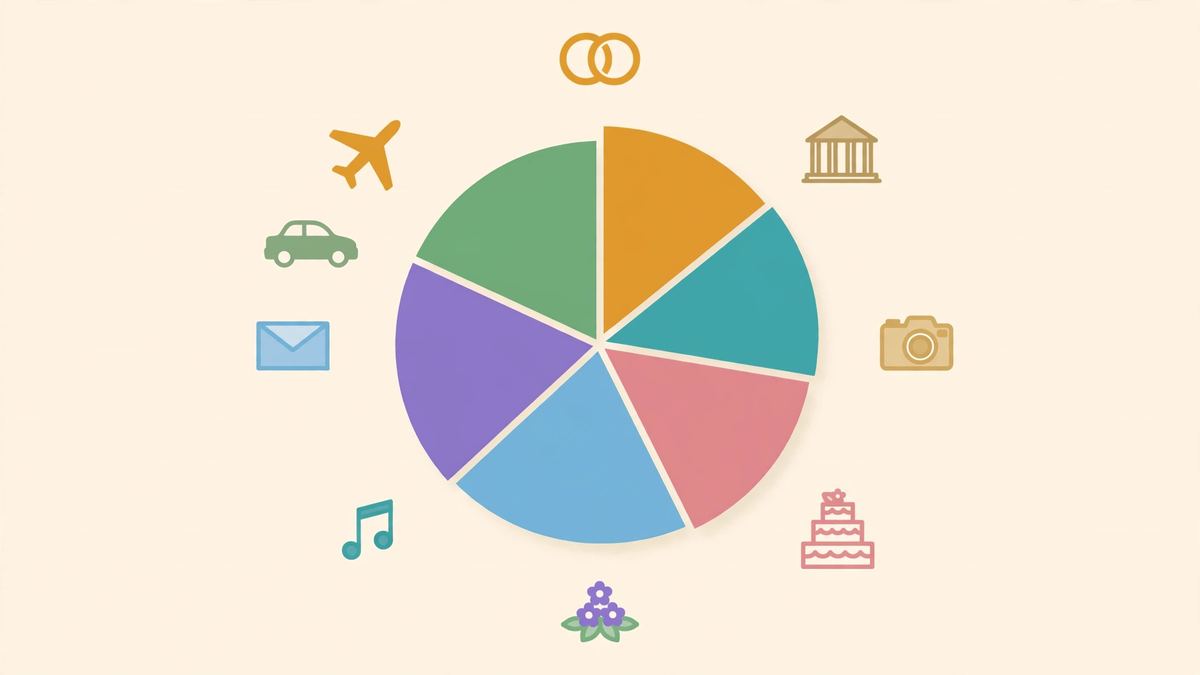
How This Wedding Budget Calculator Works
Start with one number: your total wedding budget. Then enter what you plan to spend in each of the 13 categories — venue, catering, photography, videography, attire, flowers, music, cake, rings, stationery, transport, honeymoon and other. The free wedding budget tool adds everything up the moment you press calculate and shows three results: total allocated, remaining budget and an over-budget or under-budget verdict. The per-category wedding budget breakdown is the part most couples actually use: it turns a vague worry — how much does a wedding cost, really? — into a clear line-by-line wedding expenses tracker, so you can see which category is eating the budget and rebalance before deposits are paid.
The 13 Wedding Budget Categories, Explained
Every wedding budget template needs the same backbone: a place for the big-ticket items and a place for the small leaks. Venue and catering usually take the largest shares, followed by photography and attire; then come flowers, music, cake, rings, stationery and transport, with honeymoon and an 'other' line for everything that does not fit neatly — tips, alterations, license fees, emergency fixes. This wedding spending planner keeps all 13 wedding budget categories visible on one screen, which is exactly what a paper wedding budget checklist cannot do: when one category grows, you watch the remaining budget shrink in real time and decide consciously what gives. The categories are a map, not a rule about how a wedding should cost.
How to Plan a Wedding on a Budget Without Overspending
Overspending rarely comes from one big decision; it comes from a dozen small ones nobody tracked. A wedding budget no sign-up tool like this one fixes the tracking part: enter quotes as they arrive, compare them against the line you set, and the over-budget flag tells you the truth before you sign. Couples planning a small wedding budget often find the same three moves work best — lock the total first, rank the categories by what matters to you, and leave a visible 'other' buffer for surprises. Use the online wedding budget planner as a living document: rerun the wedding cost breakdown every time a quote changes, and the remaining-budget line becomes your early-warning system — and the simplest wedding savings plan is the one you can see.
What This Wedding Cost Calculator Cannot Do (Honest Limits)
It cannot tell you what anything should cost in your city — a photographer or venue charges whatever the local market supports, and no online calculator can quote that for you. It does not pull live vendor prices, model taxes, tips or service charges, or track deposits you already paid; if those matter, add them as their own category lines. It is also not a wedding planner and gives no financial advice: it will not tell you to spend less on flowers and more on music, only what your own numbers add up to. These limits are printed on the page on purpose — a wedding budget planner that admits what it does not know is more useful than one that pretends at certainty.
Free, No Sign-Up, and Private by Design
This is a wedding budget calculator with no sign-up: no email, no account, no trial clock. Unlike product-led wedding apps that gate your own numbers behind a registration funnel, the free wedding budget tool here gives the full breakdown the moment you press calculate. Everything runs as client-side math in your browser tab — your budget and category amounts are never uploaded, stored on a server or shared with anyone. Close the tab and the numbers are gone, which is exactly how a quick wedding planning budget check should work.
Troubleshooting — When the Numbers Don't Add Up
When the numbers don't add up, the fault is almost never the math — it is one of four mismatches between the budget and the breakdown, and each has a tell. An over-budget flag on a category you expected to be fine usually means one category absorbed another's spending: the venue total that includes catering, for example, counted once under venue and again under catering — and the fix is assigning each cost to exactly one of the 13 categories, because double-counted spending inflates the total without changing what was actually spent. A remaining budget that looks wrong usually means the total was typed once and the categories typed afterwards without rechecking: the total is the ceiling, the categories are the spending, and remaining is total minus spending — so a remaining figure that surprises you is a sign to re-add the categories rather than to distrust the subtraction. A breakdown that won't change after editing usually means the calculate step was skipped: the tool gives the full breakdown the moment you press calculate, so an edited amount without a fresh calculate still shows the old breakdown — and the fix is pressing calculate again, because the breakdown follows the button rather than the keystroke. A budget that feels impossible usually means the total was set from a headline average rather than from what you can actually spend: averages describe other people's weddings, not yours — and the fix is setting the total from your own ceiling first, then fitting the categories inside it, because a budget built from someone else's average is a plan to overspend. None of these cases is a sign-in wall, a paywall, or an upload: the tool stays free, with unlimited redos and no account throughout, and every fix above is a re-entered number, not a purchase.
Destination Weddings and Small Weddings: Same Math, Different Numbers
A destination wedding and a small wedding look like different problems and use the same math with different numbers, which is why one calculator serves both without a separate mode. A destination wedding adds travel and lodging as real categories rather than footnotes: guest travel, guest lodging, and the couple's own travel belong inside the 13 categories rather than outside the budget, because a destination budget that excludes travel is a budget that hides its largest line. A small wedding keeps the same 13 categories with smaller amounts: the venue is smaller, the guest list is shorter, and the catering total falls — but the categories do not disappear, because a small wedding still has a venue, still has food, and still has something worn, photographed, and played — and a calculator that dropped categories for small weddings would hide spending rather than reduce it. The template and checklist use follows the same logic: the 13 categories are the checklist, the over-budget flags are the warnings, and the remaining-budget math is the running total — so the tool works as a wedding budget template or checklist without a separate template file, because the categories, the flags, and the math are already wired up. The honest limit is stated openly: the calculator divides and flags, it does not negotiate with vendors or predict prices — and a destination quote that arrives in another currency still needs converting before it enters the budget, because the math is only as honest as the numbers typed into it.
Wedding Budget Calculator FAQs
Is this wedding budget calculator really free?
Yes. This is a free wedding budget tool with no sign-up and no account — no email, no trial, no locked features. Open the page, enter your total budget and category amounts, and get the full wedding budget breakdown. Because nothing is uploaded, there is technically no reason for accounts at all.
How do I use this wedding budget planner?
Enter your total wedding budget, then fill in what you plan to spend in each of the 13 categories — venue, catering, photography and the rest. Press calculate and the wedding cost calculator shows total allocated, remaining budget and whether you are over or under budget, with a per-category breakdown so you can rebalance any line.
What categories should a wedding budget include?
At minimum: venue, catering, photography, videography, attire, flowers and decor, music, cake, rings, stationery, transport, honeymoon and a miscellaneous line. This wedding budget categories list covers the classic 13, and the 'other' category catches tips, fees and surprises that do not fit elsewhere.
How can I tell if I am over budget?
The tool compares your total allocated against your total budget and tells you plainly: over budget or under budget, with the exact remaining amount. The per-category view shows which wedding budget category pushed you over, so you know where to cut or rebalance instead of guessing.
Can I plan a small wedding budget with this tool?
Yes — the math works the same at any size. A small wedding budget just means fewer lines filled in: enter the categories you are actually spending on, leave the rest at zero, and the wedding expenses tracker still shows your remaining budget and flags overspending per line.
Does it work as a wedding budget template or checklist?
It works better than a static wedding budget template, because the 13-category wedding budget checklist is live: change any number and the totals, remaining budget and over-budget flags update instantly. Use it as your running wedding budget spreadsheet without the spreadsheet.
Can I plan a destination wedding budget here?
Yes. A destination wedding budget has the same structure — venue, travel, vendors — just different numbers. Put flights and accommodation under transport or 'other', keep the category labels that fit, and the wedding budget breakdown still shows exactly where every dollar goes.
How many times can I redo my wedding budget breakdown?
As many as you like, with no limits: change the total or any category and recalculate instantly. That makes the wedding spending planner useful across the whole engagement — rerun it every time a vendor quote arrives or plans change.
Is my wedding budget data uploaded anywhere?
Never. The calculation is plain JavaScript in your browser tab: your budget and amounts never leave the device, are never stored on a server and are never shared. Close the tab and everything is forgotten.
How is this different from a wedding budget spreadsheet?
A spreadsheet makes you build the formulas; this wedding cost calculator ships with them. The 13 categories, the over-budget flags and the remaining-budget math are already wired up, and there is no file to save or formula to break — just open the page and plan.
Can I save or print my wedding budget breakdown?
There is no save button, because nothing is stored: the calculation is plain JavaScript in your browser tab, and closing the tab forgets everything. To keep a breakdown, print the page from your browser or copy the numbers out before closing the tab — and redoing it later costs nothing, since redos are unlimited with no account.
What if my total budget changes midway?
Change the total and press calculate again. The breakdown, the over-budget flags, and the remaining budget all recompute from the new total, and redos are unlimited — so a budget that grows or shrinks midway is a fresh calculation, not a fresh account or a lost plan.