Free Text Summarizer Online – Key Sentences, No Sign-Up
Free Text Summarizer, No Sign-Up: The Key Sentences in Seconds
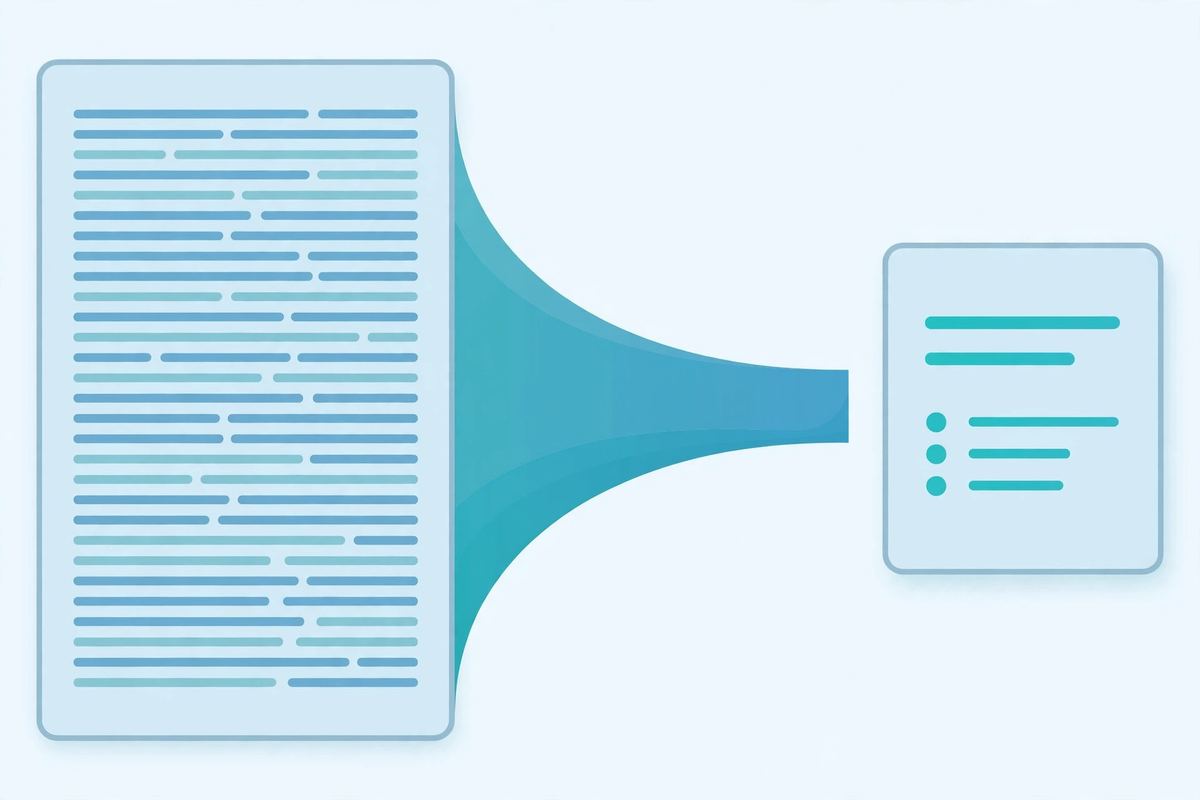
This is a free text summarizer with no sign-up: paste any long text and get its key sentences back in seconds, with no account, no upload queue and no paywall in the way. It is extractive, not AI — instead of generating new sentences, it scores every sentence by word frequency, position and key-fact signals like numbers and dates, then selects the source's own most important sentences in their original order. Everything runs 100% in your browser, so your text is never uploaded to any server, and there are no word-limit games to unlock. Whether you need to summarize a long article online free, shorten lecture transcripts or pull the key points out of a report, the workflow is the same: paste, choose Brief, Balanced or Detailed, and read.
Summarize Text Without Uploading: 100% Private, In Your Browser
Most online summarizers make you upload your document to a server first, which means your private text leaves your device the moment you paste it. This free text summarizer with no sign-up works the other way around: it runs entirely in your browser tab, so nothing is sent anywhere, stored anywhere, or attached to an account that does not exist. That is what a private text summarizer with no server means in practice — closing the tab genuinely deletes everything, because there was never a server copy. The trade-off is honest and worth knowing: since your text never leaves your device, the page also cannot fetch a web link or a video for you; you copy the text, and the tool does the summarizing. For internal reports, unpublished research, personal notes or anything you would not want sitting on someone else's server, that privacy design is the whole point. If you have been searching for a way to summarize text without uploading, this page was built for exactly that.
No Word-Limit Games: Summarize Long Articles Online Free
The classic frustration with rival tools is the free-tier ceiling — many cap free summaries at a few hundred words, then ask you to pay or log in the moment your text gets serious. This page takes the opposite approach: summarize long articles online free, without a character-limit paywall standing between you and the summary. Long research papers, book chapters and full lecture transcripts go through the same flow as a short paragraph — paste, choose a length, read the key sentences. Because the engine is extractive rather than a paid-per-token AI service, there is no per-summary cost to pass on to you, which is what makes a genuinely free summarizer with no character limit possible here. Very long pastes can still slow a small phone, so for the longest documents the Detailed length works best in sections. But the limit, if you ever meet one, is your device — never a billing page.
Extractive, Not AI: The Honest Summary Students Can Trust
Let me be plain about what this tool is not: it is not an AI summarizer, and it will never claim to be. Instead of generating new sentences — the step where AI tools sometimes invent details that were never in your source — it selects the source's own key sentences and arranges them by importance. That extractive approach is exactly why students trust it as a free essay summarizer with no sign-up: what you read in the summary is verbatim from the text you pasted, so quotations, names, numbers and dates stay faithful. It is a faithful digest, not a rewrite, which makes it a reliable way to summarize book chapters, study guides and assigned readings quickly. One rule still applies and it matters: summarize to understand, then write your own work — the summary is a study aid, and submitting it as your own writing is plagiarism at most schools. Honesty in the tool only works if you keep it in how you use it.
Brief, Balanced or Detailed: How to Pick Your Summary Length
Three length options sit above the tool, and the page shows what each one does — Brief keeps roughly a quarter of the text, Balanced around two fifths, and Detailed around three fifths. Brief is the built-in tldr generator free: two or three key sentences that answer "what was this about?" for news articles and blog posts. Balanced is the default workhorse, enough to genuinely understand an article without reading the whole thing. Detailed keeps most of the important sentences, which suits long papers and lecture transcripts where nuance matters. A free text summarizer no signup experience should never make you guess — switch lengths on the same pasted text and compare which summary level fits your task. Start with Balanced, then drop to Brief for a quick refresher or step up to Detailed when you need the full picture.
What It Handles Well: Lectures, Articles, Reports and Transcripts
The tool shines anywhere the text is long and the time is short. Students paste lecture transcripts and get the lecture's key points in seconds — a practical way to summarize lecture transcripts free without re-reading an hour of class. Readers use it to summarize news articles free online before deciding which stories deserve their full attention, and researchers use it to get key points of an article online free during a literature review. You can even paste a YouTube transcript: open the video page, copy the transcript text, paste it here, and you have a study-ready summary — an honest workaround for anyone wanting to summarize a YouTube transcript online free. The one limit to know up front: the tool cannot fetch a link by itself, so if you want to make a summary of a text online free from a webpage, video or PDF, copy the text first. Copy-paste is the only input it accepts, and the tool does the rest.
Troubleshooting — When the Summary Misses the Point
If the summary feels wrong, the cause is almost always one of five things, and each has a one-toggle fix. First, the summary keeps only the opening and closing sentences. That is position scoring doing its job: introductions and conclusions usually carry the thesis, so a short text summarizes to its bookends. Switch from Brief to Detailed, which keeps about three fifths of the text instead of about a quarter, and the middle arguments reappear. Second, one sentence you expected is missing. The scorer ranks by word frequency, position, and key-fact signals such as numbers and dates, so a sentence phrased in rare words can lose to a blander sentence that repeats the document's core vocabulary. Paste the missing sentence's paragraph again on its own, or read the Detailed summary, which keeps more candidates. Third, the summary of a transcript reads like noise. Transcripts contain filler, repeated questions, and half-finished sentences, and an extractive tool keeps the highest-scoring ones verbatim, filler included. Clean the transcript first — delete greetings, timestamps, and repeated questions — then summarize. Fourth, a very short text barely changes. With only five sentences, Brief keeps about a quarter, which rounds to one or two sentences; that is the mode working as labelled, not a failure. Fifth, the summary looks identical after switching modes. The summary updates live as you type and as you change mode, so if nothing changed, the text box may still hold an old draft — check the live word counter, which shows the current input length. None of these cases is a bug in the usual sense: they are the honest edges of picking sentences instead of writing new ones, and knowing them in advance is what turns a confusing result into a useful one.
Extractive vs AI Summaries — Why Verbatim Beats Rewritten
Most rival summarizers rewrite. Scribbr offers two modes: Key sentences, which extracts, and Concise paragraphs, which generates a new cohesive paragraph with AI. QuillBot, TLDR This, and Summarizer.org all describe AI summarization that selects and then rewrites or reshapes the content. Scholarcy turns articles into summary flashcards with AI, stressing that its content can be traced back to the source. Rewriting reads more smoothly, but it carries one risk this tool refuses: an AI summary can invent a detail, soften a claim, or merge two arguments into one sentence that the author never wrote. An extractive summary cannot do that, because every word in it is a word from your text, in its original sentence, in its original order. The trade-off is flow: extracted sentences can jump between ideas without transitions, and a rewritten paragraph would smooth those jumps. For studying, research, and anything you will quote or cite, verbatim wins, because you can check every sentence against the source in seconds. For a quick gist of a casual article, a rewritten paragraph may read better — and this tool is honest about that limit. An optional AI Summary button sits in the Summary header for anyone who wants an AI-assisted version, but the default summary, the one this guide describes, stays extractive, local, and verifiable.
Frequently Asked Questions
Is this text summarizer really free?
Yes — this is a free text summarizer with no sign-up, no trial clock and no per-summary charges. Paste your text, pick Brief, Balanced or Detailed, and copy the summary. There is no account to create and no paid tier hiding behind the free page.
Do I need to create an account or sign in?
No. To summarize text online free with no sign-up, you simply open the page and paste — no email, no login, no subscription. Since nothing is uploaded to a server, there is technically no reason for accounts at all.
Is this an AI summarizer?
No — and that is a feature, not a gap. This is an extractive summarizer: it selects the source's own key sentences instead of generating new ones. Nothing is invented or paraphrased, so names, numbers, dates and quotations stay exactly as you pasted them.
Is my text uploaded to a server?
Never. The summary runs entirely in your browser tab, which is what makes this a private text summarizer with no server. Closing the tab wipes everything — there is no copy of your text anywhere else.
Is there a word or character limit?
There is no paywalled limit. Many rival tools cap free summaries at a few hundred words, but this free summarizer has no character-limit games for normal texts. Very long pastes can slow a small phone, so for the longest documents the Detailed length works best in sections.
Can I paste a YouTube link to summarize a video?
Not the link itself — the tool cannot fetch URLs, including videos and web pages. The honest workflow is to open the video, copy its transcript, and paste the text here to summarize the YouTube transcript online free. One extra copy-paste step, and the summary works on the transcript.
Can it summarize a PDF or a research paper?
Yes, via copy and paste: open your PDF, copy the text, and paste it here to summarize a research paper free online. The tool extracts the paper's own key sentences in their original order. Scanned PDFs that are images of pages have no text to copy — run them through OCR first.
What is the difference between Brief, Balanced and Detailed?
Brief keeps roughly a quarter of the text — a built-in tldr generator free for quick takeaways. Balanced keeps around two fifths, enough to understand an article properly. Detailed keeps around three fifths, for long papers and transcripts where nuance matters. These percentages are shown right on the tool's buttons.
Can I use this for my essay or homework?
Yes — many students use this free essay summarizer with no sign-up to digest assigned readings faster. The honest rule: use the summary to understand the source, then write your analysis in your own words. Submitting the summary itself as your work is plagiarism at most schools.
How do I get the key points of a long article quickly?
Paste the article and choose Balanced or Brief — the tool extracts the key points from the text online free by ranking its own sentences. If you also want to learn how to summarize a long article quickly by hand, read the top three extracted sentences first: they usually carry the thesis.
Why did my summary keep the first and last sentences?
Because position scoring rewards them. Introductions usually state the thesis and conclusions usually restate it, so the scorer ranks those sentences high. On a short text, Brief keeps about a quarter, which is often exactly the first and last sentences. Switch to Detailed to keep about three fifths and recover the middle arguments.
Can I summarize a YouTube video or a PDF directly?
Not by link. The tool cannot fetch URLs, including videos and web pages, and it has no file upload. Copy the transcript text from the video page, or copy the text out of the PDF, paste it here, and the summary is built from that pasted text. The summary itself still runs entirely in your browser tab.